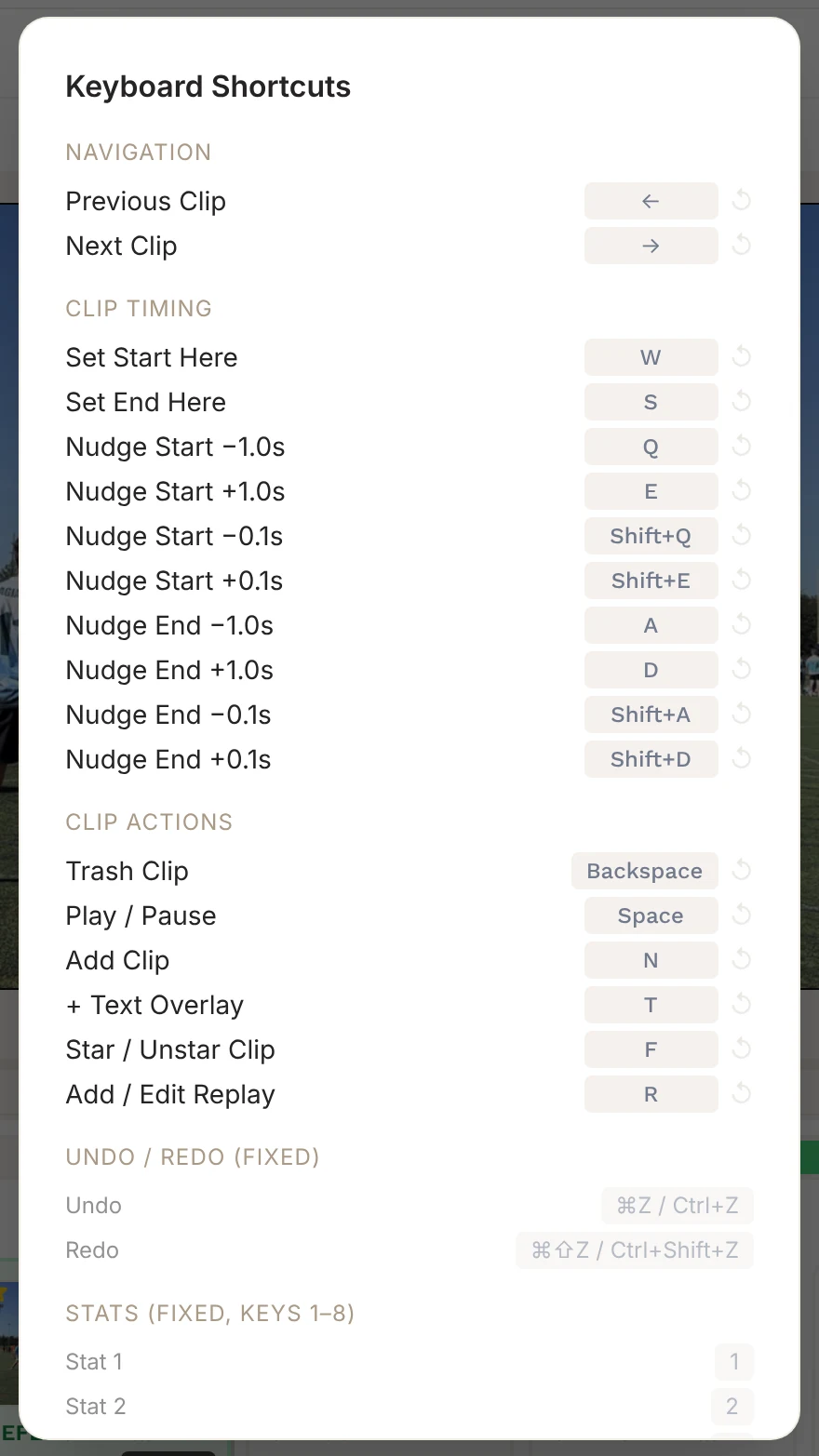
Keyboard Shortcuts
CutServe is built to be driven from the keyboard. These are the default shortcuts in each part of the app.
Changing Shortcuts
In the editor, click Keybinds to see the editor shortcuts. Click a key to record a new one, use ↺ to reset it, or Reset All to Defaults. CutServe warns you if a key is already in use. Stat keys (1–8) and undo/redo are fixed.
Editor
| Key | Action |
|---|
| ←/→ | Previous / next clip |
| Space | Play / pause |
| W | Set clip start to the playhead |
| S | Set clip end to the playhead |
| Q/E | Nudge start back / forward 1 second |
| Shift + Q/Shift + E | Nudge start back / forward 0.1 seconds |
| A/D | Nudge end back / forward 1 second |
| Shift + A/Shift + D | Nudge end back / forward 0.1 seconds |
| 1–8 | Tag a stat (Ace, Double Fault, Service Break, Sideout, Defensive Break, Defensive Hold, Error, None) |
| F | Star / unstar the clip |
| N | Add a clip after the selected one |
| T | Add a text overlay |
| R | Add or edit a replay |
| Backspace | Trash the clip |
| ⌘Z/Ctrl+Z | Undo |
| ⌘⇧Z/Ctrl+Shift+Z | Redo |
Player Picker (Defensive Break, Defensive Hold, Error)
| Key | Action |
|---|
| 1–4 | Add a player to the touch sequence (or pick who made the error) |
| Enter | Confirm |
| Esc | Undo the last touch, or go back |
Manual Clipping
| Key | Action |
|---|
| W | Mark the start of a point |
| S | Mark the end of the point |
| ←/→ | Jump back / forward 5 seconds |
| Esc | Cancel a start mark |
Zone Setup
| Key | Action |
|---|
| Esc | Cancel the zone you're drawing |
| Backspace/Delete | Remove the last point you placed |
Highlight Reel
| Key | Action |
|---|
| Space | Play / pause |
| ←/→ | Previous / next clip |
| W/S | Set clip start / end to the playhead |
| Q/E/A/D | Nudge start (Q/E) and end (A/D); hold Shift for 0.1 seconds |
| Backspace | Delete the selected crop keyframe |
Replay Studio
| Key | Action |
|---|
| 1–4 | Choose a speed |
| Enter | Save |
| Esc | Cancel |